
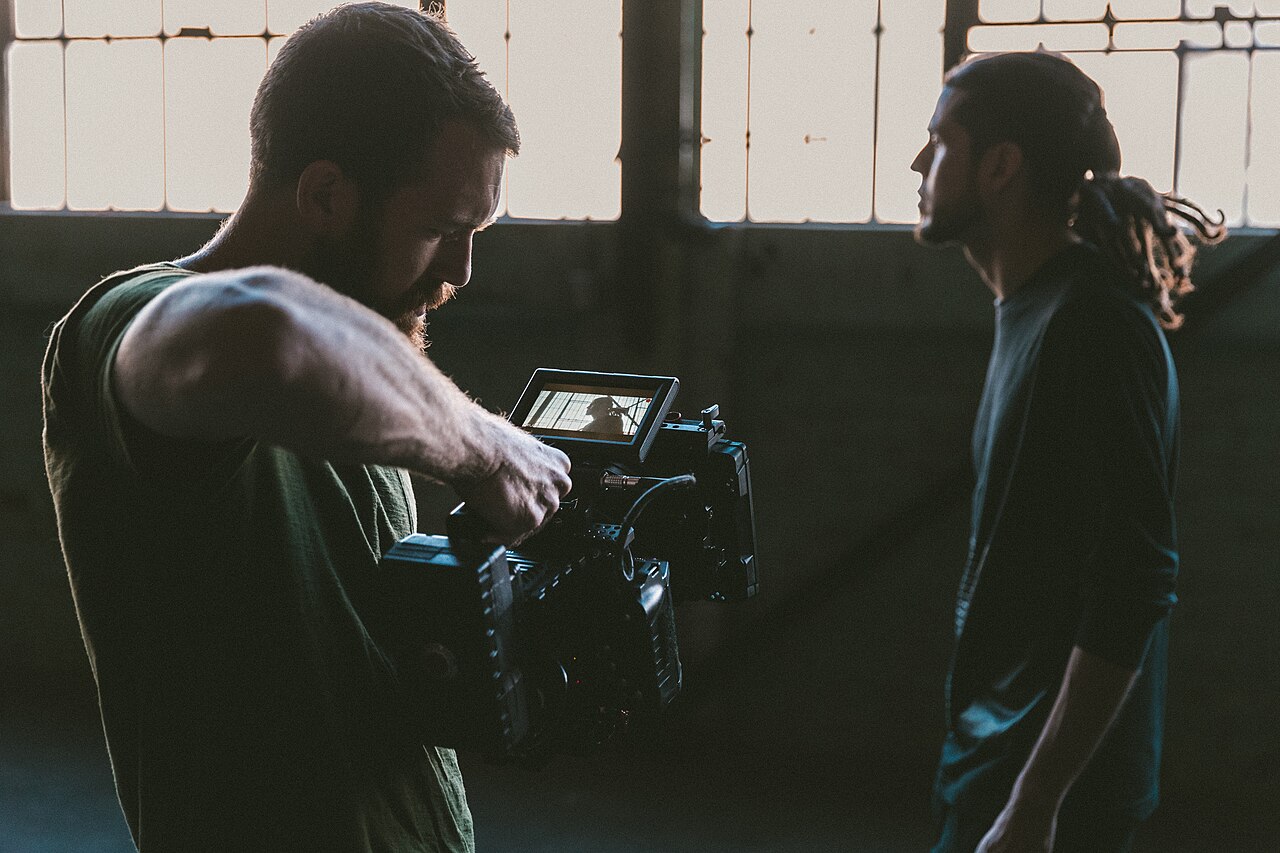
Both formats reach the same feed. They demand different gear, different editing time and different nerves. Here is how they compare.
This guide is general information for creators and businesses in the U.S., not legal advice. Copyright, licensing and drone rules depend on the facts and change over time; check the Copyright Office, the FAA or a lawyer for your situation.
Quick notes
- Live streaming skips editing entirely, but first-time setup can take up to 24 hours on YouTube, so enable your account well before you plan to broadcast.
- A Facebook study found live videos generate about double the engagement of pre-recorded videos, and one industry analysis found six times more interactions.
- Pre-recorded video lets you fix mistakes with a re-shoot, and it keeps drawing viewers through search long after you post it.
- Disclosure duties are the same in both formats: if you were paid or got free products, say so clearly out loud, on screen or in the caption.
- Test both with one topic: shoot a short edited video, then go live on the same subject and compare the results from your own accounts.
You have a phone, something to say about your business, and a choice to make: go live now, or record something you can polish first. Both formats land in the same feeds and can reach the same audience. The differences show up in gear, editing time, recoverable mistakes, and what viewers expect once the video starts.
The Same Goal, Two Very Different Shoots
A live stream is a broadcast. You pick a time, press a button, and whatever happens in front of the camera happens in front of your audience. No retakes. A pre-recorded clip is a production: you shoot, review, cut, and publish when the file is ready.
One way to frame it is conversation versus presentation. Live video is a conversation. Viewers type questions, you answer them, and the video changes shape because of what they say. Pre-recorded video is a presentation. You control every frame in advance, which makes it better for explaining something step by step and worse for spontaneity.
Neither format is the grown-up option. They solve different problems.
Gear and Setup: What Each Format Demands
Live streaming has the lower floor. The minimum is a phone and the platform’s own app. YouTube, for example, offers three ways to stream: a webcam, a mobile device, or an encoder, which is software or a hardware box that converts your video into a format the platform accepts. Encoders are how you bring in external cameras and microphones.
Do the account setup early. Enabling live streaming on YouTube for the first time can take up to 24 hours before you are approved to go live. Discovering that ten minutes before a planned broadcast is an avoidable disaster.
Pre-recorded video raises the ceiling instead. Same camera, but because you get multiple takes, it pays to add a tripod, sort your lighting, and plug in a microphone. Poor audio and shaky framing hurt in both formats; a low-production live stream with bad sound can damage how people see your brand more than no stream at all. We cover the sound part in Recording Better Audio for Video.
Studio tip: Enable and test your live streaming account days before you need it. YouTube approval alone can take up to 24 hours, and you want any setup problems to surface before an audience is waiting.
Editing Time and Mistakes You Can Take Back
This is where the two formats spend your time in opposite ways. Live streaming skips editing entirely: what you broadcast is what you made. Total cost is setup, the stream itself, and a few minutes of cleanup. Pre-recorded video front-loads the work. An hour of shooting can easily turn into an afternoon of cutting, captioning, color fixing, and exporting a version for each platform, which is where most of the real cost of social video hides. Our breakdown of What It Really Costs to Make Videos for Social Media walks through that math.
Mistakes split the same way. On a live stream, a flubbed line is permanent. Some platforms let you delete the recording afterward, but everyone watching saw it happen. Pre-recorded, a mistake is a ten-second re-shoot and one more export.
The line is blurrier than it looks. A live recording is raw material. Cutting the best moments out of a stream and posting them as short clips is one of the standard ways the two formats feed each other.
What Audiences Expect From Each Format
Live audiences expect presence. They want their comments acknowledged, they tolerate a rough background, and part of why they show up is that the thing is happening now. A Facebook study found live videos generate about double the engagement of pre-recorded videos. An industry analysis of live versus recorded content went further, finding live video generated six times more interactions than on-demand content, with average watch time roughly three times longer.
Survey data points the same direction. In a Vimeo survey of audience preferences, 80 percent of respondents preferred live video over reading a blog, and 82 percent preferred it over social media posts. 87 percent said they would be more interested in content offering behind-the-scenes glimpses. That last number matters for small businesses, because a live walk-through of your shop, kitchen, or workshop is exactly that.
Pre-recorded audiences expect polish, captions, and a clear answer to a question. Many people watch with the sound off, so burned-in captions are part of the job, not a bonus. The payoff is longevity: pre-recorded videos keep getting found through search and on-demand discovery long after posting, while a live stream tends to produce a spike of attention during the broadcast and much less afterward.
Disclosure Rules for Both Formats
The format does not change your disclosure duties. If a post is sponsored, if you were paid, or if you received free products in exchange for coverage, viewers need to know, whether the video is live or edited.
The FTC watches this area closely. According to FTC data, people told the agency they lost over $1.2 billion in 2022 to scams that began on social media, a larger total than for any other way scammers reach their victims. The agency has also formally demanded information from eight social media and video streaming companies about how they screen for misleading advertising and what tools they give endorsers and influencers to make paid relationships clear.
In practice, adapt the disclosure to the format. On a live stream, state the relationship out loud and pin a comment about it, since viewers can join at any point mid-stream. On a pre-recorded clip, put the disclosure on screen and in the caption where it cannot be missed.
Which Business Goals Fit Which Format
Live streaming suits goals that run on presence: answering customer questions in real time, launching something, showing the people behind the business. The Product Marketing Alliance counts live streaming as particularly effective for product launches because an unedited demo and real-time Q&A build trust in ways a scripted video cannot. Pre-recorded video suits goals that run on clarity and search: tutorials, product explainers, and anything you want people to find six months from now.
| Live streaming | Pre-recorded video | |
|---|---|---|
| Best-fit goals | Q&A sessions, launches, behind-the-scenes tours | Tutorials, product demos, evergreen explainers |
| Gear floor | Phone or webcam and the platform’s app; an encoder for external cameras | Same camera, plus tripod, lights and a microphone for consistent takes |
| Time per video | Setup plus the stream; no editing | Shooting plus editing, captions and per-platform exports |
| Mistakes | Permanent in the moment | Fixable with a re-shoot or a cut |
| Audience expectation | Real-time answers and a rough, personal feel | Polish, captions and a searchable answer |
Choose by the job, not by fear. If talking to a camera without a net makes you freeze, start pre-recorded and work up. If editing eats your week and your knowledge is better spoken than scripted, live does more with less.
A Simple Way to Test Both With One Shoot
You do not have to pick a side on day one. Pick one topic customers ask about all the time. Shoot a two-minute pre-recorded video on it. A week later, go live on the same topic and take questions.
Then compare your own numbers instead of industry averages. How many people watched the stream against how the edited clip performs over its first week? Which comments gave you usable material? Which format took less of your week per minute of finished video? Afterward, run the hybrid play: cut the stream’s best moments into short clips, and mention your next live session inside your pre-recorded videos. Each format then feeds the other, and the decision rests on data from your own accounts.
Deciding on shape and setup before you shoot saves rework later: Horizontal or Vertical Video for Social Media? covers the choice that comes first. If the jargon around formats, reach and retention is new, Social Video Terms to Know Before You Post is a quick catch-up.
FAQs
Do I need an encoder to go live?
No. Most platforms let you stream from a phone or a webcam app. An encoder is software or hardware that converts your video into a streamable format, and it is how you bring in external cameras and microphones.
Is live video really better for engagement?
The numbers favor it. A Facebook study found about double the engagement for live videos, and one industry analysis found six times more interactions and roughly three times longer watch time than on-demand content.
Can I fix a mistake in a live stream?
Not while it is happening. Some platforms let you delete the recording afterward, and you can cut the best moments into clips, but viewers who were watching saw the mistake live.
Do disclosure rules differ between live and pre-recorded video?
No. If you were paid or received free products in exchange for coverage, viewers need to know either way. Say it out loud and pin a comment on a live stream, and put it on screen and in the caption on a pre-recorded video.