
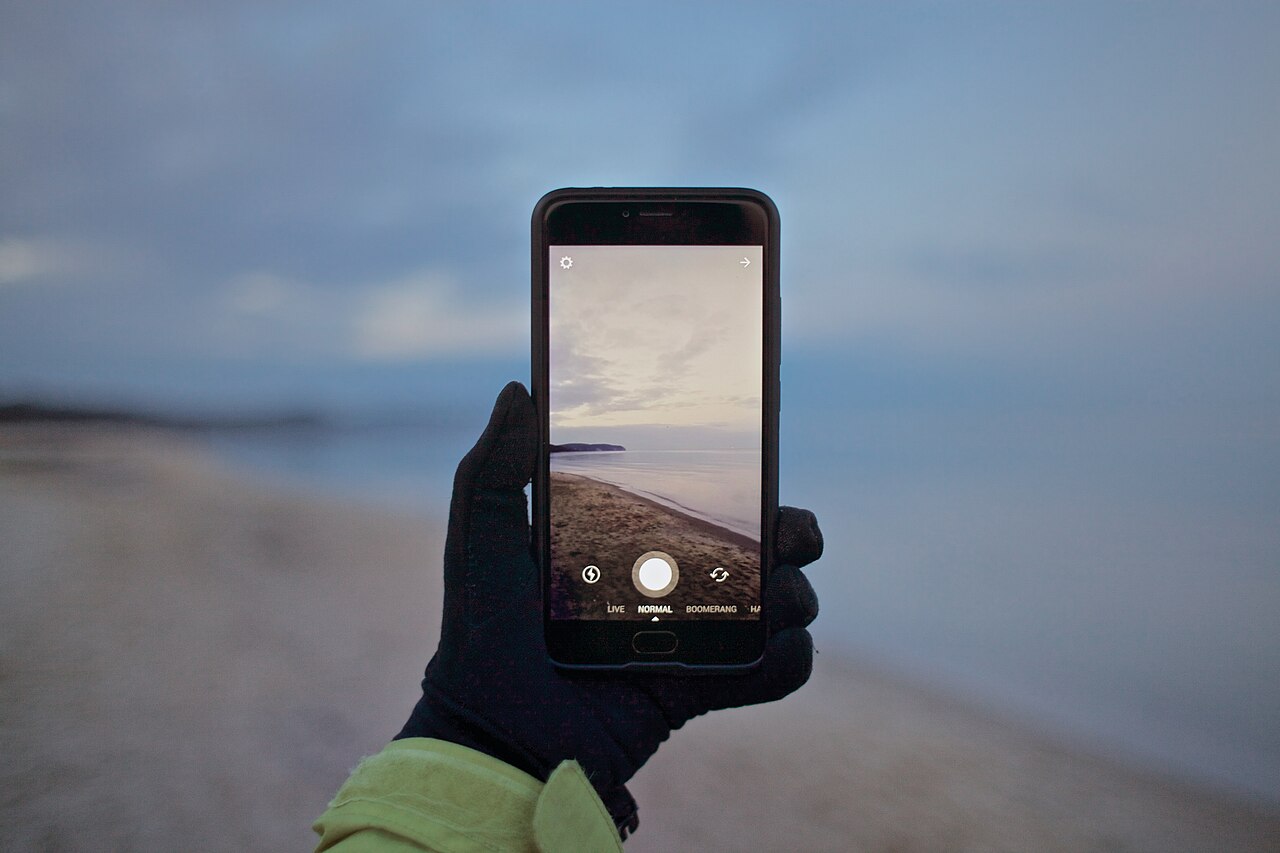
A practical cost breakdown for small business owners: what a phone-only setup costs, where the real money goes, and how DIY compares with hiring a freelancer.
This guide is general information for creators and businesses in the U.S., not legal advice. Copyright, licensing and drone rules depend on the facts and change over time; check the Copyright Office, the FAA or a lawyer for your situation.
Quick notes
- A phone-only setup can cost as little as a software subscription, and in-house video equipment for a small business usually runs under $5,000.
- Freelancers charge $600 to $1,200 per filming day and $60 to $90 per hour for editing, while short social projects run $1,500 to $5,000.
- Editing routinely takes several times as long as the shoot, and video editors earned a median of $75,420 a year as of May 2025.
- Pre-production typically takes 15 to 25 percent of a video budget, production 40 to 55 percent, and post-production 25 to 35 percent.
- One social media clip hired out runs $500 to $3,000, and agency projects start around $5,000.
Ask five business owners what it costs to make a video for social media and you will hear answers from nothing to five figures, and both can be right. The camera already in your pocket is free to use, but gear, software subscriptions, music licenses and above all your own hours add up in ways that never show up on a single receipt. This breakdown walks through each line item, using published US rates where they exist.
Starting at zero: what a phone gets you
The cheapest possible setup is the one you already own. Industry pricing guides put DIY video at as little as the cost of a software subscription, and small businesses that build an in-house setup typically spend less than $5,000 on equipment, most of them far less. Your phone, a free editing app and a window cover the basics for short clips.
You also do not have to appear on camera. Screen recordings, slide-based videos, product close-ups and B-roll all work as marketing content without a presenter, which removes both the on-camera nerves and the need for anyone else’s time. One example that gets cited often in marketing circles: blender maker Blendtec spent less than $50 on its first YouTube video, which went on to draw just over seven million views. The point is not that every cheap video performs; it is that budget is not the first barrier. Surveys of businesses that avoid video point to time and money as the two biggest obstacles.
Gear upgrades that move the needle
If you spend anything, spend in this order: sound first, a steady frame second, light third. Viewers forgive soft footage more readily than audio they cannot hear cleanly, which is why a basic microphone is usually the first dollar worth spending. Our guide to recording better audio for video covers the room basics and mic placement that matter more than mic price.
After that, a tripod keeps the frame still, and daylight or a couple of inexpensive lights fix the flat, dim look that makes phone video feel amateur. Beyond those three categories, spending climbs fast for gear that rarely changes what a social audience notices: extra lenses, multiple camera angles, stabilizers. A workable in-house kit fits comfortably under the $5,000 ceiling that industry guides give for small-business equipment, and a two-item kit (a mic and a tripod) covers most talking-head and product clips.
Editing software: free tiers, subscriptions and one-time purchases
Editing costs fall into three buckets:
- Free tools on your phone or computer handle trimming, simple captions and a direct export to social platforms. For a 30-second clip, this is often all you need.
- Subscriptions charge monthly and typically add templates, stock libraries, brand kits and one-click resizing so a single video fits several platforms. Costs rise with seats and features.
- One-time purchases are paid up front and usually offer finer control over cuts and color, but major version upgrades cost extra later.
The trap is stacking subscriptions that overlap. If one paid tool already resizes, captions and schedules your posts, a second tool with the same features is not an upgrade, it is a duplicate bill.
Music, stock clips and caption tools: monthly costs add up
Music is where in-house budgets quietly leak. Platform libraries are free and cleared for use but limited, while paid libraries charge either per track or as a monthly subscription for unlimited downloads. Using a popular song without the right license creates real problems on social platforms, and the rules are less forgiving than most people assume; our article on music in videos explains how licensing works.
Captions follow the same pattern. Manual captioning in a free editor costs nothing but your time, while auto-transcription tools charge a subscription and save real minutes on every post, especially if you publish often. Our guide to adding captions to videos compares the approaches. If you use paid stock clips as well, add that subscription to the same monthly column and total it honestly, because three small subscriptions make a real monthly bill.
Lighting and sound on a small budget
Light costs nothing if you plan around it. Face a window, shoot earlier or later in the day, and tape baking paper or a white sheet over a harsh lamp to soften it. A dedicated light earns its keep mainly in windowless rooms and evening shoots.
Sound is the less forgiving half. Hard, empty rooms echo, and phone mics pick up every reflection. Getting any microphone close to the speaker does more than upgrading the camera ever will, and turning off fans and refrigerators during a take is free.
The cost nobody adds up: your hours per post
Here is the line item that never appears on a receipt. Editing routinely takes several times as long as the shoot itself, and that is before you resize the cut for each platform, write captions and export. For a single social clip, plan on an hour of shooting and several hours of editing, resizing and uploading.
Put a dollar figure on it. The median annual wage for film and video editors was $75,420 in May 2025, about $36 an hour, so three hours of your own editing time represents roughly $110 of labor value. Freelance editors bill $60 to $90 an hour, and experienced editors charge $100 or more. That does not mean you should stop editing your own posts; it means the true cost of a DIY video is gear plus subscriptions plus hours, and the hours are usually the largest of the three.
DIY versus hiring a freelancer: comparing the numbers
When you price hired help against your own time, these are the published US ranges:
| Option | Typical cost |
|---|---|
| Freelance filming day | $600 to $1,200 |
| Freelance editing | $60 to $90 per hour |
| Experienced freelance editing | $100 or more per hour |
| One social media clip, hired out | $500 to $3,000 |
| Short social media project | $1,500 to $5,000 |
| Agency project, starting point | Around $5,000 |
A pattern falls out of those numbers. Hiring out makes sense for a small number of flagship pieces, like a homepage explainer or a product launch video, where the finished quality has to carry weight for years. DIY makes sense for volume, because a freelancer’s day rate buys one shoot, while your own kit and skills cover every post you publish. The work also splits cleanly: shoot and edit the routine clips yourself, and bring in a freelancer for the pieces that justify $1,500 to $5,000.
Studio tip: Industry guides break a typical video budget into pre-production at 15 to 25 percent, production at 40 to 55 percent and post-production at 25 to 35 percent. Skipping the planning share to save money is the falsest economy in the list, because reshoots cost more than the prep they replace.
Whichever route you take, decide the shape of the video before you spend a dollar on anything else, because reframing a finished clip is work you pay for twice. Our comparison of horizontal and vertical video shows how to frame one shoot so it works in every feed.
FAQs
Can I really make social media videos without spending anything?
Yes. A phone, free editing tools and platform music libraries cover short clips, though your time is still a real cost.
How much does it cost to hire someone for one social clip?
Published ranges put a single social clip at $500 to $3,000, with freelance filming day rates of $600 to $1,200 and editing at $60 to $90 an hour.
What is the biggest hidden cost of making videos in-house?
Your hours. Editing routinely takes several times as long as the shoot, once you add resizing for each platform and captions.
Should I buy equipment or hire a freelancer?
It depends on volume. An in-house kit usually costs under $5,000 and pays off with regular posting, while hiring out suits occasional flagship pieces.