
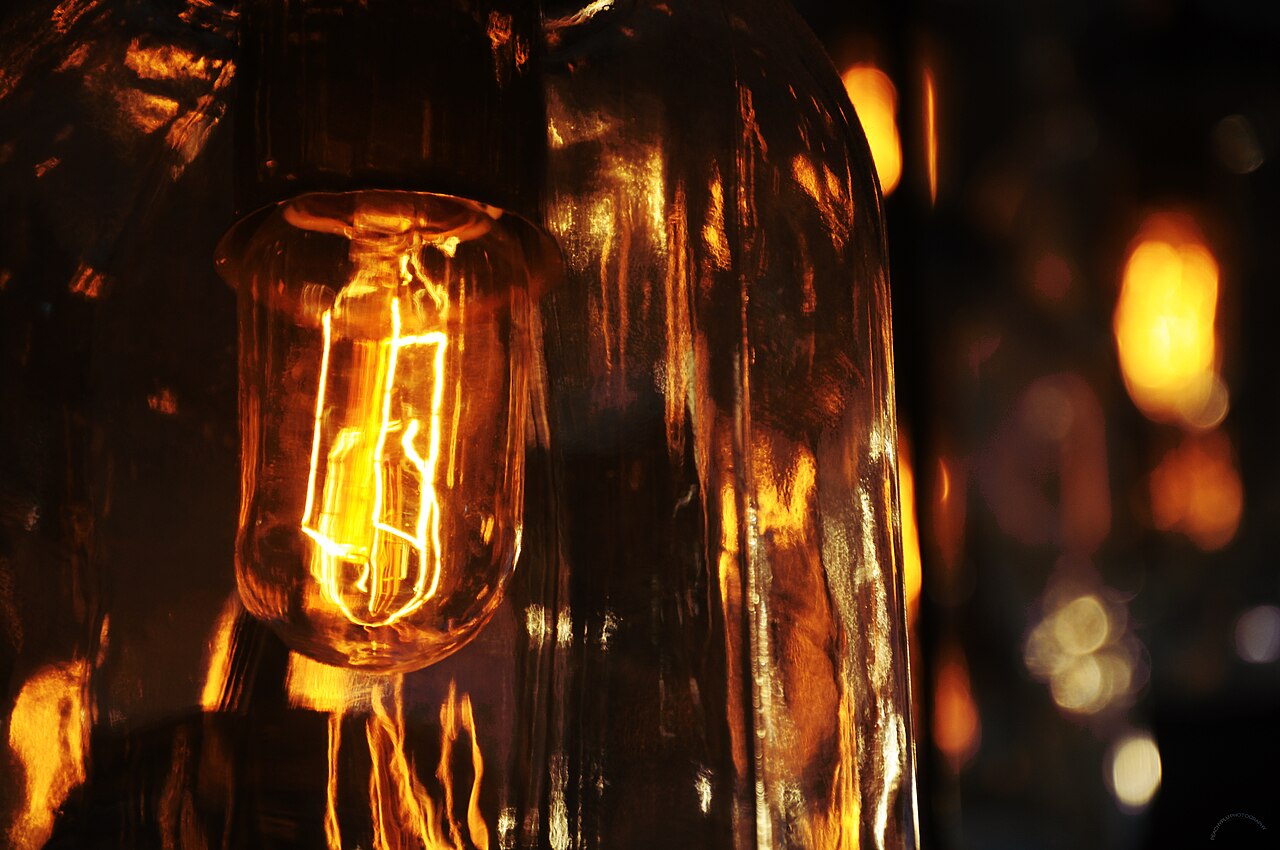
Orange indoor photos are not a camera malfunction. They are the camera honestly recording light your brain quietly corrects, and the fix takes one setting.
This guide is general information for creators and businesses in the U.S., not legal advice. Copyright, licensing and drone rules depend on the facts and change over time; check the Copyright Office, the FAA or a lawyer for your situation.
Quick notes
- Indoor bulbs emit light weighted toward orange and yellow, which cameras record as a warm cast even when your eyes see white.
- Daylight sits around 5,600 Kelvin and tungsten bulbs around 3,200 K, so white balance presets exist to compensate for each.
- Auto white balance struggles in rooms with no near-white objects, one dominant color, or several light sources with different temperatures.
- Shoot RAW when you can, because RAW files allow Kelvin-based white balance adjustments that preserve more quality than editing a finished JPEG.
- Mixed lighting, such as window daylight plus warm lamps, cannot be fixed with one setting, so reduce the room to a single light type first.
Blame the bulbs. Most indoor lighting emits a light that is genuinely, measurably orange compared with daylight, and your camera records that color exactly as it arrives. Your eyes and brain neutralize it automatically, which is why the room looked fine to you and the photo looks like it was shot inside a toaster. Here is what is happening, how to stop it in the camera, and how to fix it afterward when you forget.
Why Do Indoor Photos Come Out Orange?
Because traditional incandescent bulbs emit light heavily weighted toward orange and yellow wavelengths. Halogen bulbs behave the same way, and warm LED bulbs are deliberately designed to mimic that incandescent glow, so they produce the same amber cast.
Hold a white piece of paper under a lamp and your brain says “white paper.” The camera, which has no such automatic adjustment, says “orange paper.” Every color in the frame shifts with it, which is why skin tones suffer the most. The mismatch between what you saw and what the sensor recorded is the whole problem, and white balance is the setting that closes the gap.
What Is Color Temperature, in Plain English?
Color temperature is a number, measured in Kelvin (K), that describes the color of light rather than its heat. Lower numbers are warmer, sitting on the red, orange and yellow side of the scale. Higher numbers are cooler and drift toward blue.
The naming feels backwards at first, and that is because the scale comes from physics rather than feelings. The hotter something burns, the bluer the light it emits, the same way the tip of a gas flame burns blue. So “warm” candlelight has a low Kelvin number and “cool” overcast daylight has a high one. Once you accept that the numbers run opposite to the words, the rest of this gets easier.
Which Kelvin Numbers Actually Matter?
You only need a handful of values for everyday shooting. Daylight, the industry standard for outdoor natural light, sits at about 5,600 K. Standard tungsten, the indoor lighting many rooms still run on, sits at about 3,200 K. Ordinary household incandescent bulbs often measure near 2,700 K.
| Light source | Approximate Kelvin | How the camera sees it |
|---|---|---|
| Candlelight | Warmer than incandescent | Strong orange or yellow cast |
| Incandescent bulbs | Around 2,700 K | Warm orange cast |
| Tungsten lights | Around 3,200 K | Warm yellow-orange cast |
| Midday daylight | Around 5,600 K | Neutral reference point |
| Overcast sky | Cooler than daylight | Slight blue cast |
| Fluorescent tubes | Varies widely | Often a green tint on top of the cast |
That green matters. Fluorescent fixtures, particularly older ones, can push a green-magenta shift that a temperature slider alone will not fix, and cheap LED bulbs vary dramatically between warm and daylight flavors. If you buy bulbs for a shooting space, the color rendering index on the packaging tells you how complete the light’s spectrum is, and higher numbers render colors more faithfully.
Why Does Auto White Balance Get Confused Indoors?
Auto white balance is the camera guessing the color temperature of the scene, and the guess fails most often in exactly the rooms we shoot in. The common failure conditions are worth memorizing:
- The scene contains no colors that are white or close to white, so the camera has no neutral reference to work from.
- One color dominates the frame, such as warm wood furniture, green plants or a painted wall.
- Multiple light sources with different color temperatures illuminate the scene at once.
A living room with tan walls, warm lamps and daylight coming through a window hits all three. The camera has nothing truly white to anchor on, so it either overcorrects and drains the warmth or undercorrects and leaves the orange cast. Neither result is a defect in the camera. It is a hard guess being made with bad clues.
How Do I Set White Balance Manually in Camera?
You have three tools, in rising order of control.
First, presets. Choosing the tungsten or incandescent preset tells the camera “the light in here is around 2,700 to 3,200 K, so add blue to compensate.” This one selection fixes most ordinary indoor shots.
Second, a custom reading. Hold a white piece of paper in front of the lens under the actual shooting light and set the camera’s custom white balance from it. The camera now knows exactly what neutral looks like in that room.
Third, the Kelvin dial. Many cameras let you type in a number directly. Set 3,200 K under tungsten lights or 5,600 K outside, then adjust by eye.
While you are at it, shoot RAW if your camera allows it. RAW files keep all the sensor data, which gives you far more room to correct color later than a compressed JPEG does. Phone cameras increasingly offer white balance locks too, and controlling light with a phone is the core skill behind good product photos shot on a phone.
What About Mixed Lighting, Where One Fix Will Not Work?
A window pouring in 5,600 K daylight next to a 2,700 K lamp is two problems in one frame. No single white balance setting can make both sources neutral, because correcting for one pushes the other further wrong. Skin goes warm on one side of a face and blue on the other, and editing cannot fully reconcile it.
Reduce the room to one light type before you shoot. Turn off the lamps and use window light alone, or swap the warm bulbs for daylight-balanced ones. If both sources truly must share the frame, some shooters split the difference around 4,300 K, a compromise long used on film sets that cools the tungsten slightly and warms the daylight slightly. It is a creative choice, not a correction. The cleaner option is to balance for the dominant source and fix the smaller region afterward with an adjustment brush limited to that area.
Studio tip: Swap or switch off the warm bulbs before you touch a single camera setting. A room reduced to one light color at the start costs minutes and spares you an hour of fixing casts in editing.
Can I Fix Orange Photos in Editing Instead?
Usually, yes, and the fix is often one slider. Editing software offers white balance controls along two axes: the blue-yellow spectrum, called temperature, and the green-magenta spectrum, called tint. Orange photos need the temperature slider pulled toward blue; that greenish fluorescent cast needs the tint slider too.
The file type changes how well this works. RAW files handle white balance adjustments on the Kelvin scale using the full sensor data, which gives cleaner, more precise results. Adjusting a finished JPEG or video file works on a -100 to +100 scale applied to already-rendered pixels, and heavy moves there can reduce quality on export. JPEG corrections also have a practical ceiling: push them too far and the colors that were fine start to look uneven, with skin tones usually the first casualty.
If you are choosing software for this kind of work, our rundown of what photo editing software really costs covers the options at each price point.
When Is Warm Light Actually What You Want?
Often, and this is the part beginners miss. Candlelit dinners, firelight, sunset shots and cozy restaurant interiors all read as warm on purpose. Neutralizing a sunset until the white clouds are technically correct can leave the whole image looking grey and lifeless, because the warmth was the subject.
So treat white balance as a decision rather than a chore. Get the color right when you are documenting a product accurately, where the item’s true color matters. Leave the warmth in when the mood depends on it. The mistake is not warm light. The mistake is warm light you did not choose.
The settings above handle the camera side, but the room itself does most of the work. Before a shoot that matters, run through our lighting checklist for client shoots to catch bulb colors and window directions in advance.
FAQs
What white balance setting should I use indoors?
Start with the tungsten or incandescent preset, which tells the camera the light is warm and compensates with blue. If your camera has a Kelvin dial, setting it near 3,200 K works for most standard indoor bulbs.
Why does ‘warm’ light have a lower Kelvin number than ‘cool’ light?
The scale is based on the color a heated object gives off, and hotter objects glow bluer. So low numbers mean orange and yellow, and high numbers mean blue, which is the opposite of how the words sound.
Can I fix an orange photo after shooting it?
Usually yes, especially from a RAW file, where you can drag the temperature slider until whites look neutral. Corrections on JPEGs have limits, because pushing them too far makes other colors look uneven.
Is warm light always a problem?
No. Candlelight, sunset and cozy interiors often look better warm, and neutralizing them can make a scene feel flat. The goal is choosing the look on purpose instead of getting it by accident.