
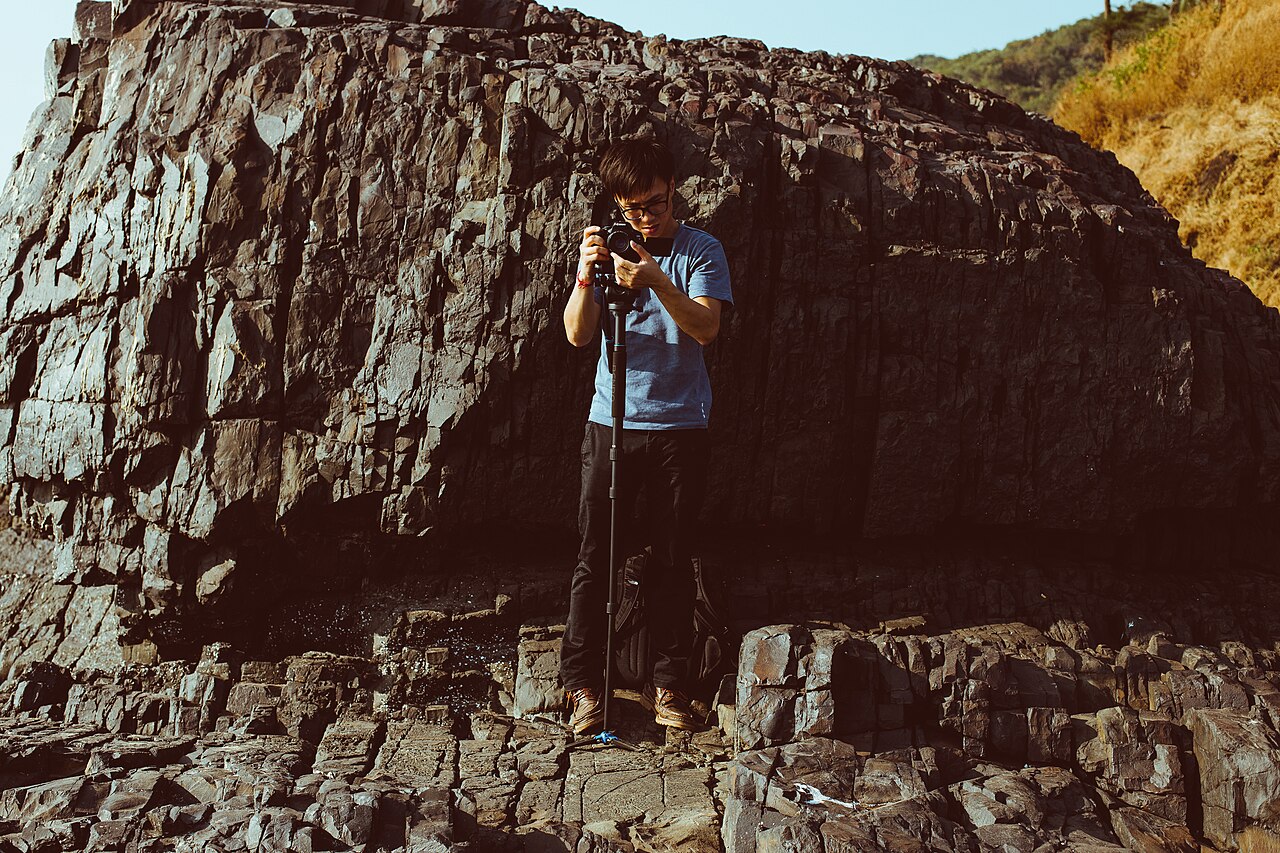
B-roll is the footage that covers your cuts, adds context and keeps viewers watching. Here is what it is, why it matters, and how to shoot more of it with the gear you already own.
This guide is general information for creators and businesses in the U.S., not legal advice. Copyright, licensing and drone rules depend on the facts and change over time; check the Copyright Office, the FAA or a lawyer for your situation.
Quick notes
- B-roll is supplemental footage intercut with your main footage, called A-roll, to add context and cover edits.
- Editors use B-roll to hide jump cuts, trim dead air and keep talking-head segments visually interesting.
- Useful B-roll includes cutaways, establishing shots, detail inserts and quiet footage of people working.
- Shoot far more B-roll than you think you need, and vary your angles, shot sizes and camera movement.
- Higher frame rates such as 60 or 120 fps let you slow footage down in editing for smoother shots.
If you have ever sat through a business video where one person talks straight at the camera for two minutes with no cutaways, no product close-ups, nothing but a single static shot, you already understand why B-roll exists. B-roll is the supplemental footage that editors cut into a video to show what the speaker is talking about, cover edits and hold the viewer’s attention. It is one of the cheapest ways to make an ordinary video look deliberate, and it costs you nothing but extra shooting time.
B-Roll in One Sentence: The Shots That Cover Your Cuts
B-roll is additional footage that an editor cuts into a video between the main shots. Editors also call the main footage A-roll, though that term has fallen out of use somewhat; almost everyone still says B-roll for everything else. If your video is a person explaining how your bakery makes sourdough, the A-roll is that person talking. The shots of hands kneading dough, the oven door swinging open and the storefront at dawn are all B-roll.
The name comes from the physical days of film editing. Narrow 16 mm film showed every splice as a visible flaw in the picture, so editors built their sequences on two separate reels, placing alternate shots on each and filling the gaps with black leader that concealed the splices. Digital editing removed the splice problem, but the term stuck, and so did the habit. Good B-roll still does the same job it always did: it gives the editor somewhere to go.
Why Talking-Head Videos Fall Apart Without B-Roll
The problem shows up the moment you start editing. When you trim a talking-head video, cutting out a stumble or tightening two answers into one, the edit leaves a visible jump in the same shot. Editors call this a jump cut, and it reads as jarring and disorienting to the viewer. B-roll solves it. You drop a two-second shot of the workshop over the cut, the viewer’s eye accepts the change, and the audio continues underneath without a hitch.
B-roll also does quieter work. It establishes where you are before anyone speaks, shows the product while the narrator describes it, and breaks the monotony of a single framing. An interview with someone just sitting and talking into the camera gets dull fast, and relevant cutaway footage is the standard fix in news, documentaries and corporate video alike. Editors use it to shave time out of soundbites, cover coughs and unwanted frames, and give a flat segment some rhythm.
There is a hierarchy trap here worth naming. Beginners often treat B-roll as the stuff you grab in the last half hour at a location, and the difference between footage shot with a plan and footage grabbed at the end of the day is obvious in the finished video. The supplemental shots are not less important than the main ones; they are what keeps the main ones watchable.
The Four Kinds of B-Roll Worth Shooting
Not all B-roll serves the same purpose, and knowing the categories makes it easier to build a shot list. Four cover most business videos:
- Cutaways. Shots that take the viewer away from the main action for a moment: the medium distance, another person in the room, the tools on the bench. These are the workhorses that cover your edits.
- Establishing shots. The exterior of your building, the street, the city skyline before the scene moves inside. These tell the viewer where the story is happening.
- Insert and detail shots. Close-ups of hands working, a phone screen, a price tag, steam off a coffee cup. Inserts direct attention to specific objects and are the shots that most often end up on screen while someone speaks.
- Atmospheric shots. Undirected footage of a location or of people going about their work, with no particular action staged. This is the footage that gives a video a sense of place rather than a sense of a set.
A short business video does not need all four types, but a mix of at least two gives an editor real options.
How Much B-Roll to Shoot for a Two-Minute Video
The consistent advice from working editors is blunt: shoot far more than you think you need. One common formulation is to keep shooting until the amount feels excessive, and then shoot several times more, because footage that seemed like overkill on the day is often the only thing that fits when you are actually cutting. Planned B-roll, chosen from a shot list written before the shoot, beats randomly grabbed clips every time.
A worked illustration. Say you are producing a two-minute video in which the owner of a print shop explains her most popular service. A workable B-roll plan might look like this: three establishing shots of the shop (the sign, the door, the counter), eight to ten insert shots of the presses and paper stock, four or five shots of the owner and a staff member working, and a couple of atmospheric clips of the neighborhood. That is roughly 20 shots, most of them five to fifteen seconds each, or about four to five minutes of B-roll for a two-minute video. In the edit, maybe 45 seconds of it survives, but the shots that survive are the ones you can actually choose from. This is an illustration, not a formula; a talking-heavy interview might need more, and a fast product montage might need less.
A few practical notes on quantity. Different shots of the same subject are cheap: once the camera is set up on the coffee machine, moving two feet closer and shooting a second framing costs thirty seconds. And B-roll does not need recorded sound, since the audio from your A-roll or a music track usually continues underneath it, which means you can shoot it quickly and without worrying about the room.
Cheap Ways to Make Ordinary Shots Look Intentional
The difference between B-roll that looks thrown together and B-roll that looks chosen is rarely the camera. It is how the shot moves and how much thought went into it. A few low-cost habits make an ordinary scene look composed:
- Add slow, deliberate movement. Static B-roll reads as filler; a slow push toward the subject or a gentle pan across a workbench reads as a choice. The movement does not have to be dramatic, just steady.
- Use rack focus. Starting a shot focused on something near the lens and pulling focus to the subject in the background adds energy without any extra gear.
- Shoot at a higher frame rate when you can. Footage captured at 60 fps can be slowed down in editing for smooth slow motion, 120 fps is better, and anything higher gives you even more flexibility. Check what your phone or camera offers and use it for motion-heavy shots.
- Build a shot list before the shoot. Planning the B-roll alongside the A-roll, in preproduction rather than at the end of the day, is the single habit that separates footage you can cut with from footage you skip past.
- Fix the light you have. Face a window, soften a harsh lamp with baking paper or a white sheet, and the same ordinary subject immediately looks better on screen.
How to Shoot B-Roll You Can Actually Cut With
B-roll fails in the edit for predictable reasons: every clip is the same size, every clip is static, or every clip is too short to be usable. The remedy is variation. Capture every angle and every shot size you can think of, move the camera and hold it still, zoom and pull focus, because the more variety you bring back, the more you have to work with later.
A few specifics help the footage fit together:
- Match the pace and framing to the project. A slow, calm video needs slow, calm B-roll; a fast social clip can use quicker cuts and motion. Timelapse is a long-standing B-roll form precisely because it compresses time and adds visual layers, but it only works when its pace suits the piece.
- Hold each shot long enough to be usable. Start rolling, let the action settle, and keep rolling a beat after you think the shot is done. Trimming is free; a three-second clip you cannot extend is not.
- Think about orientation before you shoot. If the video will live on social platforms, check whether you need horizontal or vertical framing for each destination and grab both where you can. Our guide to horizontal or vertical video walks through which platforms want which.
- Keep your exposure and color consistent. If you shoot manually, note your settings and reuse them across the B-roll set so the clips cut together without visible shifts. If you are still shooting fully automatic, our article on getting started with shooting in manual mode covers the two or three settings that matter most.
One more option worth knowing: B-roll has a second life. Footage that does not fit your project can be licensed to others as stock, and buyers pay for clips that are more composed than the usual generic filler. If you build the habit of shooting B-roll well, you may end up with a small library that earns its keep.
Filing and Labeling B-Roll So You Can Find It Later
B-roll has a shelf life problem of a different kind: six months after a shoot, a folder of 200 unlabeled clips is functionally worthless. The fix is boring and effective. Name the folder by project and date, rename clips or subfolder them by subject (presses, storefront, hands), and add a line to your shot list marking which shots you actually liked. Star or flag the keepers in your editing software the same day, while you still remember which take had the good focus pull.
Then protect it. B-roll represents real shooting hours, often hours spent with no client watching, and a single drive failure erases all of it. Follow the same backup habit you use for your main footage; our guide to backing up photo and video files explains the 3-2-1 approach in plain terms. A clip that is shot well, filed clearly and stored twice is an asset you can reuse for years, in social posts, ads and next year’s website refresh.
If you are building out your first business video, B-roll is only half the picture; clean sound is the other half, and our guide to recording better audio for video covers the mic placement and room habits that matter more than equipment price. For the finishing steps, our article on choosing video editing software compares free tools, subscriptions and one-time purchases so you can pick an editor that fits how you actually work.
FAQs
Do I need to record sound for B-roll?
No. B-roll usually runs under audio that continues from your main footage, or under music, so clean sound is not required. Editors often play B-roll muted for exactly this reason.
Can I use stock footage instead of shooting my own B-roll?
Yes, and extra footage you shoot can also be licensed to others as stock. If you use stock clips, make sure the license covers how you plan to use them.
What frame rate should I use for B-roll?
A higher frame rate gives you the option to slow footage down in editing. 60 fps is usable, 120 fps is better, and anything higher gives you even more room to work with.
How much B-roll should I shoot for a short video?
Much more than seems reasonable at the time. The common advice is to keep shooting after you feel you have plenty, because footage that looked like overkill on the shoot day is often what saves the edit.