
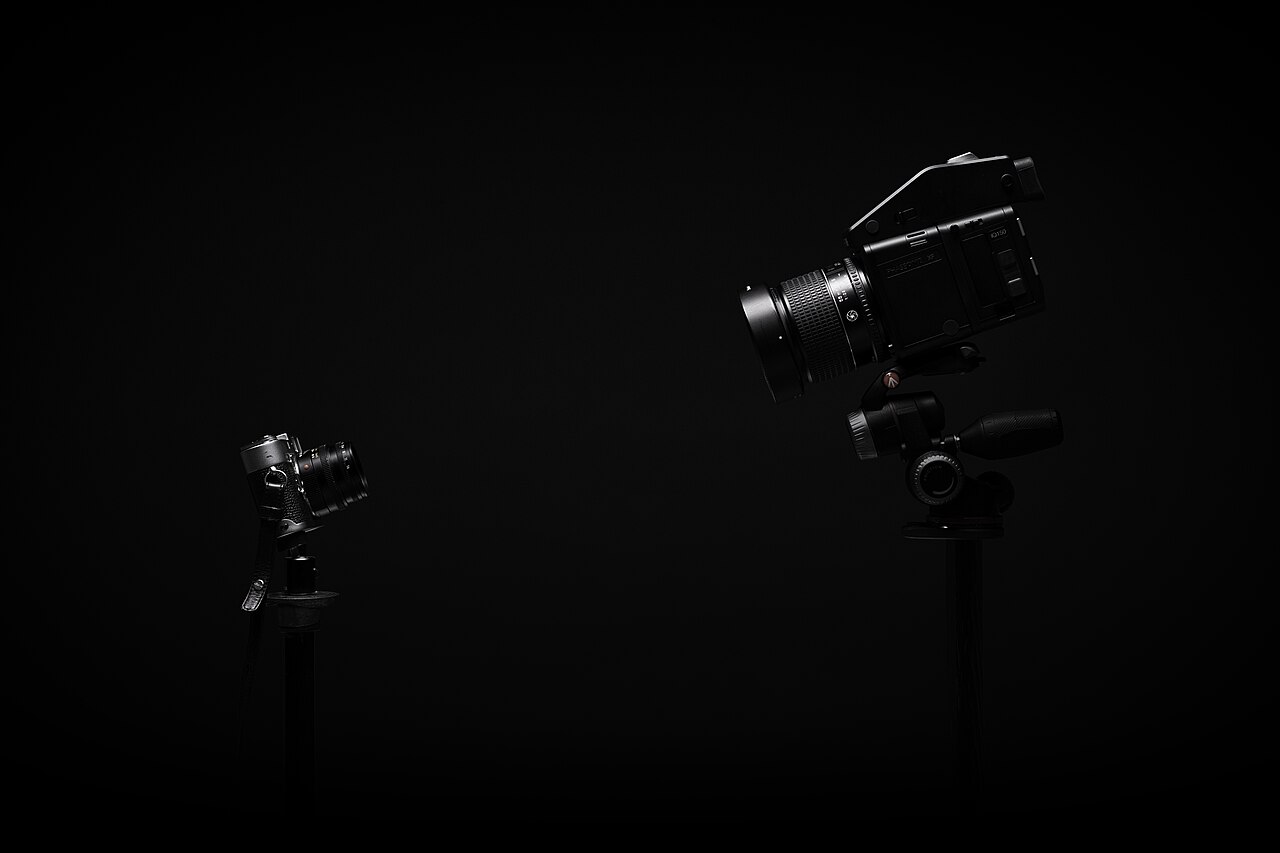
The tripod is the least exciting purchase you will make and the one that decides whether your shots are sharp. Here is how to compare legs and heads before you spend the money.
This guide is general information for creators and businesses in the U.S., not legal advice. Copyright, licensing and drone rules depend on the facts and change over time; check the Copyright Office, the FAA or a lawyer for your situation.
Quick notes
- Buy the legs and the head separately whenever you can, because each has a different job.
- Add up the weight of your body, lens and any accessories, then pick a tripod rated well above that number.
- Choose legs that reach your eye with the center column down, since the column is the weakest part of the tripod.
- Aluminum costs less and balances weight and strength; carbon fiber is lighter and stiffer but more expensive.
- An Arca-style quick release plate on each camera saves time and fits most heads you will run into later.
A tripod is the least glamorous thing in the bag and, on many shoots, the item that quietly decides whether the photos come out sharp. Buy a bad one and you will fight it on every job: slow to set up, floppy at full height, and eventually replaced anyway, which turns the first purchase into a loss. This guide walks through the decisions in the order you should make them, so the money goes into features you will actually use.
Legs and Heads: Why You Often Buy Them Separately
A full tripod system has four parts: the legs, the head that holds the camera, the center column that runs up the middle, and the feet at the bottom. The cheapest tripods come with the head permanently attached and feet that cannot be swapped, which sounds convenient until that built-in head turns out to be wrong for the way you shoot.
Better legs are usually sold without a head at all, and most working photographers treat that as a feature. You pick legs for stability and carrying weight, then pick a head for how you work. Someone locking a camera in place to shoot a product on a white sweep needs different controls than someone panning smoothly across a room for video. Buying the two separately lets you get both right, and lets you upgrade one without junking the other.
Load Capacity: Leave Headroom
Manufacturers rate tripods by how much weight they hold, and the spread across categories is wide, from around 2 pounds on the smallest models to 50 pounds or more on heavy-duty units. That rating has to cover everything riding on the head: the camera body, the lens, and anything clamped on top, such as a microphone or a phone mount used to shoot vertical clips. Weigh your heaviest realistic setup before you shop, not your lightest.
Then leave headroom. A tripod run at its maximum rating drifts, and drift shows up as soft files. Pushing past the limit can also weaken or break the tripod over time. The safest habit is to pick a rating well above the heaviest setup you plan to mount, so the legs never have to work at their ceiling. Capacity rises with thicker, larger diameter legs, so the numbers on a slim travel model and a stubby studio model of the same material can differ a great deal.
Maximum Height Without the Center Column
The center column is the weakest part of any tripod. Every bit of height it adds, it adds at the cost of rigidity, and the wobble gets worse the higher you crank it. The better plan is to buy legs tall enough that the viewfinder sits at your eye with the column fully down, counting the height of the head in that measurement.
This matters more than it sounds. Bending over a short tripod for an hour is hard on your back, and it makes you rush framing decisions. You can always shoot lower by shortening the legs; you cannot shoot higher than the legs allow without giving up stability.
Weight, Folded Length and Locking Style
Material is the main trade here. Aluminum offers a good balance of weight, strength and cost, which is why it suits most photographers. Carbon fiber costs more, but it is lighter and more rigid than aluminum at the same size, which makes sense if you carry the tripod far or work outdoors in rough conditions. Studio-bound businesses can usually save the money.
Folded length matters just as much as weight once the tripod lives in a car or a suitcase. Measure the bag or trunk space you actually have before you fall in love with a set of legs.
Leg locks come in two common styles. Twist locks tighten by rotating each leg section, and flip locks snap open and closed with a lever. Twist locks present a smooth profile and fewer things to catch on gear bags; flip locks are fast to read and adjust at a glance. Either way, work the locks in the store and notice how quickly the legs telescope, because setup speed matters. Scenes and clients will not wait while you fight three leg sections.
Head Types: Ball, Pan-Tilt, Fluid and Gimbal
Ball heads are the most common choice and suit most situations: one locking knob, fast repositioning, no handles in the way. Pan-tilt heads give you separate control over each axis, but their handles stick out and get cumbersome. Gimbal heads exist for large, heavy lenses; they balance the weight of camera and lens so you can track moving subjects quickly. For video, where the priority is a smooth, controlled pan, look for a head built for that kind of motion, often sold as a fluid head.
| Head type | Best suited to | Main trade-off |
|---|---|---|
| Ball | Most stills work, including product shots | Less precise on one axis at a time |
| Pan-tilt | Careful framing where small adjustments matter | Handles stick out and slow you down |
| Fluid | Video pans and tilts | Built for motion rather than stills framing |
| Gimbal | Big telephoto lenses and fast action | Overkill for a small kit |
Quick-Release Plates and Other Accessories Worth Having
The single most useful head feature is a quick release: a small plate that stays bolted to your camera and clamps into the head. Look for an Arca-style system, which has become the common standard, so your plate will fit many other heads and a spare is easy to borrow or buy. If you shoot with more than one body, put a plate on each.
Studio tip: Whichever head you choose, confirm it uses Arca-style plates before you pay. A standard plate system outlives tripods, cameras and heads, and it keeps working as your kit changes.
Feet are the other accessory worth checking. Good tripods let you swap feet for indoor and outdoor use, usually rubber pads for floors and pavement and spiked versions for soft ground.
What to Check in the Store Before You Pay
Set a budget before you walk in. Guidance from photography instructors tends to put a serious setup around $400, and the cautionary tale is the $45 tripod: it holds a camera, but setup drags, framing fights you, and you end up buying the good one anyway.
Run through a short list before handing over a card:
- Extend the legs to full height with the center column down, then press down on the assembly. Any wobble now gets worse with a camera on top.
- Mount the head you plan to buy, not the display model’s default, and work the quick release a few times.
- Open and close every leg lock. Stiff, gritty or slippery locks will only get worse.
- Collapse it and check the folded length against your bag.
- Ask about the rated load and confirm your heaviest setup fits under it with room to spare.
One last thought on why this purchase pays off: with the camera locked down, you can keep ISO low for the cleanest files, and slow shutter speeds stop being a gamble. That matters whether you are following our guide to product photos with a phone or shooting a client’s space for the first time.
A tripod also pairs well with the rest of your shoot planning. Our pre-shoot lighting checklist covers what to set up before the client arrives, and our piece on megapixels and photo quality explains why sharp, stable files beat a big sensor number every time.
You may also want to read Do More Megapixels Really Mean Better Photos? and Product Photos With a Phone: A Window, a Sheet of Paper and a Few Rules.
FAQs
How much should I expect to spend on a tripod that lasts?
Guidance from experienced instructors tends to land around $400 for legs and a decent head. A $45 tripod will hold a camera, but setup takes far longer and the results often disappoint.
Does a heavier tripod always mean a more stable one?
Not necessarily. Rigidity and leg thickness matter as much as raw weight, and carbon fiber models are both lighter and more rigid than aluminum at the same size. What matters most is staying within the rated load.
Do I need a tripod if my lens has image stabilization?
In good daylight, stabilization often makes a tripod unnecessary. You will still want one for very slow shutter speeds, for keeping ISO at its lowest setting for the cleanest files, and for framing carefully.
What is the first thing to check in the store?
Extend the legs to full height without raising the center column and put your hands on the whole assembly. Anything that wobbles in the store will wobble more with a camera on top.